

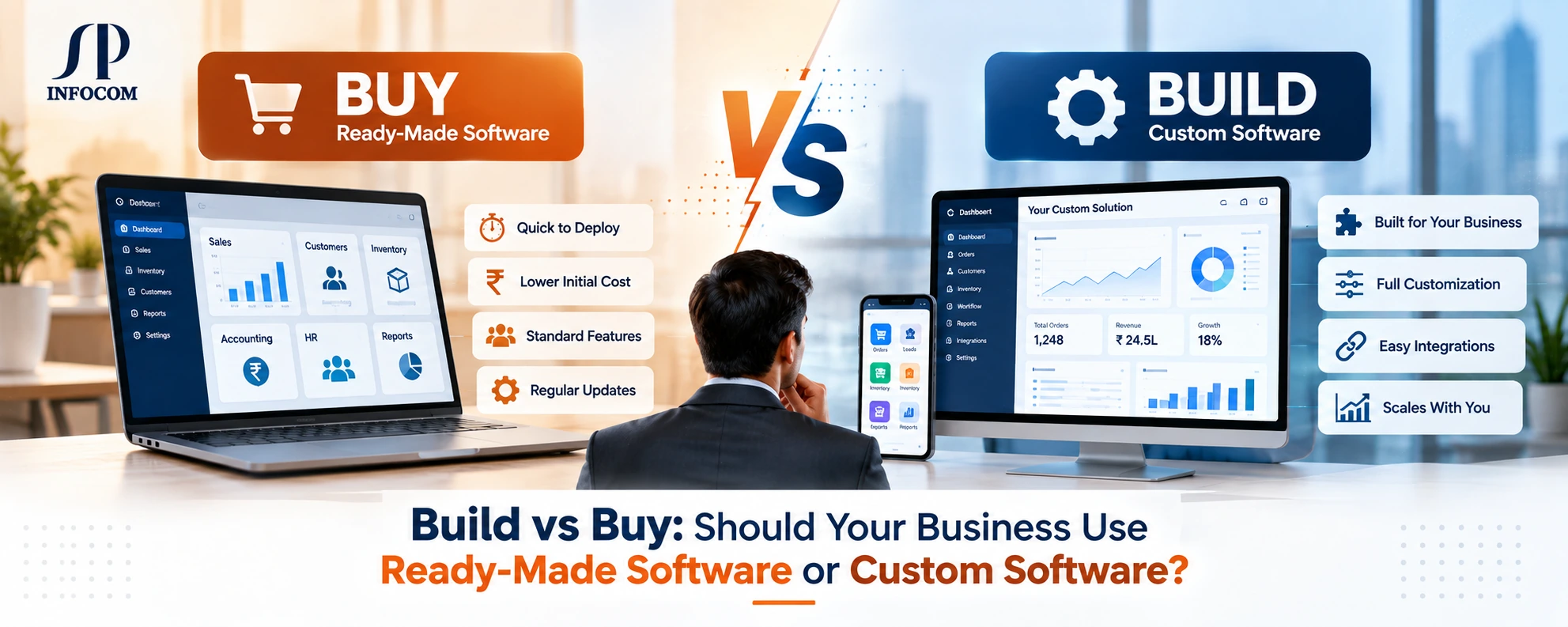
Every growing business eventually reaches a point where spreadsheets, disconnected applications, and manual processes are no longer enough. The next question is usually simple: Should we buy ready-made software or build software specifically for our business?
The answer is not always about which option costs less. A ready-made product may be faster to deploy, while custom software may provide greater control and flexibility. The right decision depends on how your business operates, how unique your processes are, how much customization you need, and where you expect the business to go.
Before choosing an approach, businesses should understand the practical difference between buying software, building software, and combining existing software with custom development and integration.
The real question is not “Which software is cheaper?”
The better question is: “Which approach fits the way my business actually works?”
What Does “Buy” Mean?
Buying software usually means selecting an existing software product developed for a broad market. It may be available as a cloud application, desktop application, subscription service, enterprise platform, or industry-specific business solution.
Ready-made software can be useful when a business has relatively standard requirements and wants to start using a solution quickly without developing everything from scratch.
- Faster deployment
- Established features and workflows
- Existing documentation and support
- Regular product updates
- Lower initial development effort
What Does “Build” Mean?
Building software means developing a solution around the specific requirements, workflows, users, data, integrations, and operational needs of a business.
Custom software does not necessarily mean creating every component from zero. A development team can use proven frameworks, cloud services, APIs, databases, authentication systems, payment services, and third-party technologies while creating the business-specific application around them.
- Business-specific workflows
- Custom modules and features
- Custom integrations
- Flexible user roles and permissions
- Greater control over the software environment
Ready-Made vs Custom Software: At a Glance
Both approaches can be appropriate. The important part is understanding where each one performs better.
| Business Requirement | Ready-Made Software | Custom Software |
|---|---|---|
| Fast deployment | Strong | Requires development time |
| Standard business processes | Strong | May require unnecessary development |
| Unique business workflows | May require compromises | Strong |
| Deep customization | Usually limited by product capabilities | Strong |
| Complex integrations | Depends on available integrations | Can be designed around requirements |
| Full control | Depends on vendor | Greater control |
| Long-term flexibility | Depends on product roadmap | Can evolve with the business |
| Industry-specific workflows | Depends on available features | Can be designed specifically |
When Should You Buy Ready-Made Software?
Ready-made software can be the right choice when your business requirements are already well supported by an existing product.
For example, if you need standard accounting, basic payroll, common project management, email communication, or another well-defined business function, building a completely new system may not provide enough additional value to justify the development effort.
Buy When...
- Your requirements are standard
- You need a solution quickly
- Customization requirements are limited
- The product already fits your workflow
- The vendor has the integrations you need
Watch Out For...
- Feature limitations
- Vendor dependency
- Per-user licensing
- Additional charges for add-ons
- Limited control over product changes
When Should You Build Custom Software?
Custom software becomes more attractive when the way your business operates is different from the standard workflow supported by available products.
This is particularly relevant for businesses with complex operations, specialized industry requirements, multiple departments, unique approval processes, large numbers of integrations, or plans to create technology as part of their competitive advantage.
- Your business process is unique
- Existing products require too many compromises
- You need multiple system integrations
- You need custom reports and dashboards
- Your business is expected to scale significantly
- You need specific roles, permissions, and workflows
- Software is part of your business differentiation
The Hidden Cost of Ready-Made Software
The purchase price or subscription fee is only one part of the total cost of a software product. Businesses should also understand what they may spend on customization, additional users, integrations, support, migration, training, and third-party services.
Licensing
Per-user, per-module, or subscription charges can increase as the business grows.
Add-ons
Important functionality may require additional modules or third-party products.
Integration
Connecting the product with other business systems may require additional development.
This does not mean ready-made software is expensive or unsuitable. It simply means that the total cost of ownership should be evaluated rather than looking only at the initial subscription or purchase price.
The Hidden Cost of Custom Software
Custom software also has costs that should be considered realistically. Development requires planning, architecture, design, coding, testing, deployment, maintenance, hosting, security, and ongoing improvements.
A good custom software project therefore starts with a clear understanding of business requirements rather than simply beginning development.
- Business analysis and requirement planning
- UI and UX design
- Software architecture and development
- Testing and quality assurance
- Deployment and infrastructure
- Security and monitoring
- Maintenance and future enhancements
Build vs Buy Is Not Always an Either-Or Decision
One of the most important points businesses often overlook is that they do not always have to choose between completely buying software and completely building everything themselves.
A third approach can be to buy the software that already solves standard requirements and build the missing business-specific capabilities around it.
This approach can help businesses avoid rebuilding functionality that already exists while still creating a technology environment that supports their unique processes.
A Practical Decision Framework
Before making a decision, ask these questions about your business.
Choose Ready-Made Software If...
- Your workflow is common
- You need fast deployment
- Existing features meet most requirements
- Integrations are already available
- You do not need deep customization
Choose Custom Software If...
- Your workflow is highly specialized
- Existing products create operational limitations
- You require complex integrations
- You need complete workflow control
- Your software needs to evolve with your business
Think About the Future, Not Just Today's Requirement
A software decision should not be based only on what the business needs today. Consider what the organization may need as it adds customers, employees, branches, products, locations, integrations, and business processes.
A solution that works perfectly for a small team may become restrictive when the business expands. Similarly, a highly customized system may be unnecessary if the business process is already well supported by an established product.
The right technology strategy balances current requirements, future growth, operational efficiency, integration needs, and total cost of ownership.
What About Industry-Specific Software?
Industry requirements can make the build-versus-buy decision more important. A business may operate with processes that are very different from the standard workflows supported by general-purpose software.
Manufacturing companies may need production planning, BOM, inventory, quality control, and shop-floor workflows. Healthcare organizations may require specialized patient, appointment, billing, and operational workflows. Retail and e-commerce businesses may need product, inventory, order, customer, and marketplace integrations.
In these situations, the software should be evaluated based on how closely it supports the actual business process rather than simply how many features appear in the product brochure.
Build vs Buy: A Simple Way to Think About It
| If Your Priority Is... | Consider... | Why? |
|---|---|---|
| Speed | Buy | Existing software can often be deployed faster. |
| Unique workflows | Build | The software can be designed around your processes. |
| Standard functions | Buy | You may not need to rebuild proven functionality. |
| Complex integrations | Build or integrate | Custom APIs or middleware can connect different systems. |
| Maximum control | Build | The architecture and functionality can be designed around your requirements. |
| Mixed requirements | Buy + Customize | Use existing software for standard functions and custom development for unique needs. |
Do Not Build Software Just Because You Can
Custom software can provide significant flexibility, but that does not mean every business should build every application from scratch.
If a reliable product already solves a standard requirement effectively, using that product may allow the business to focus its development investment on the areas that actually differentiate its operations.
The goal should not be to build more software. The goal should be to build or buy the right software for the right business problem.
Do Not Buy Software Just Because It Has More Features
A long feature list does not automatically mean a software product is right for your organization. A system can have hundreds of features while still failing to support the specific workflow your team depends on every day.
Evaluate the actual workflow, user experience, integrations, reporting requirements, data ownership, scalability, security, support, and long-term business fit before making the final decision.
The Best Software Decision Starts With the Business Process
Technology should support the way a business operates. Therefore, the first step should not always be choosing a software product or starting development.
Start by mapping the business process. Identify where information enters the organization, who uses it, where decisions are made, which systems need the information, and where manual work or delays occur.
- Understand the current business workflow
- Identify operational bottlenecks
- Define the users and their roles
- Identify required integrations
- Define reporting and dashboard requirements
- Consider future scalability
- Compare total cost of ownership
How SP Infocom Can Help
The build-versus-buy decision does not have to be made without understanding the technology options available to your business.
At SP Infocom, we help businesses evaluate, design, develop, customize, and integrate software solutions around their operational requirements.
Depending on the business requirement, the right solution may involve a custom application, an ERP or CRM platform, API integration, middleware, mobile application, web application, cloud infrastructure, or a combination of existing and custom technologies.
- Custom Software Development
- ERP and Business Management Solutions
- CRM Solutions and Integration
- API and Third-Party Integration
- Middleware Development
- Web and Mobile Application Development
- Cloud and DevOps Services
Final Thoughts
There is no universal winner in the build-versus-buy debate. Ready-made software can be the right choice for standard business requirements, fast deployment, and proven functionality. Custom software can be the better option when your workflows, integrations, reporting, or operational requirements are highly specific.
In many cases, the smartest approach is somewhere in between: buy what already works, customize what makes your business different, and integrate the systems that need to communicate.
The right software strategy should make your business easier to operate today while giving it room to grow tomorrow.
At SP Infocom, we help businesses turn their technology requirements into practical, scalable software solutions. Whether you need to build a custom platform, integrate existing applications, or extend ready-made software with business-specific capabilities, the right approach starts with understanding your business first.